
How to fix the Steam authorization issue? (Android)
If you see a screen like this after successfully logging into Steam, it means your system browser intercepted the callback before the Stash app. This issue sometimes occurs on some devices.
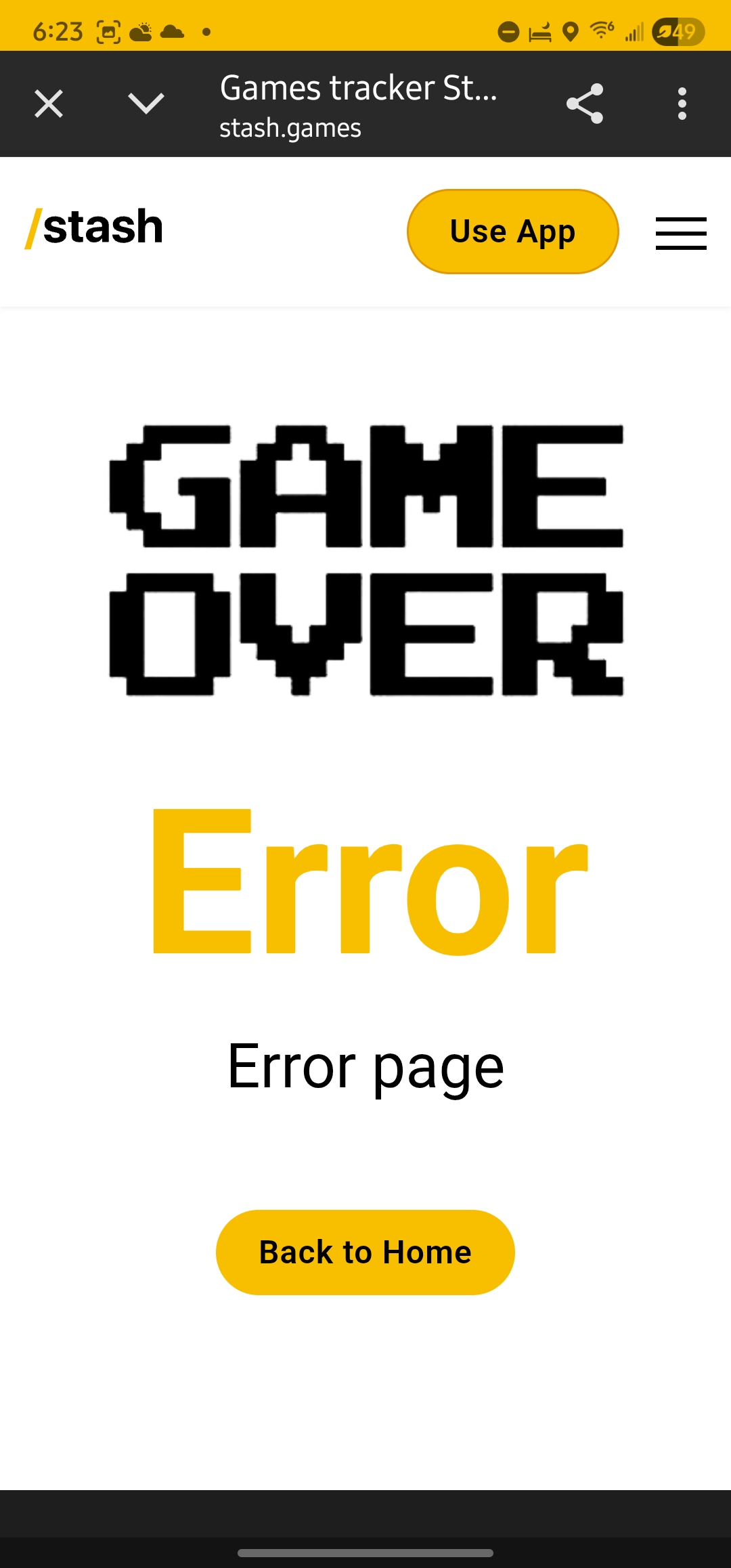
To resolve this issue, you can try the following steps.
First of all, you need to check in the system settings which links the Stash application can open by default.
It should be specified there: "stash.games".
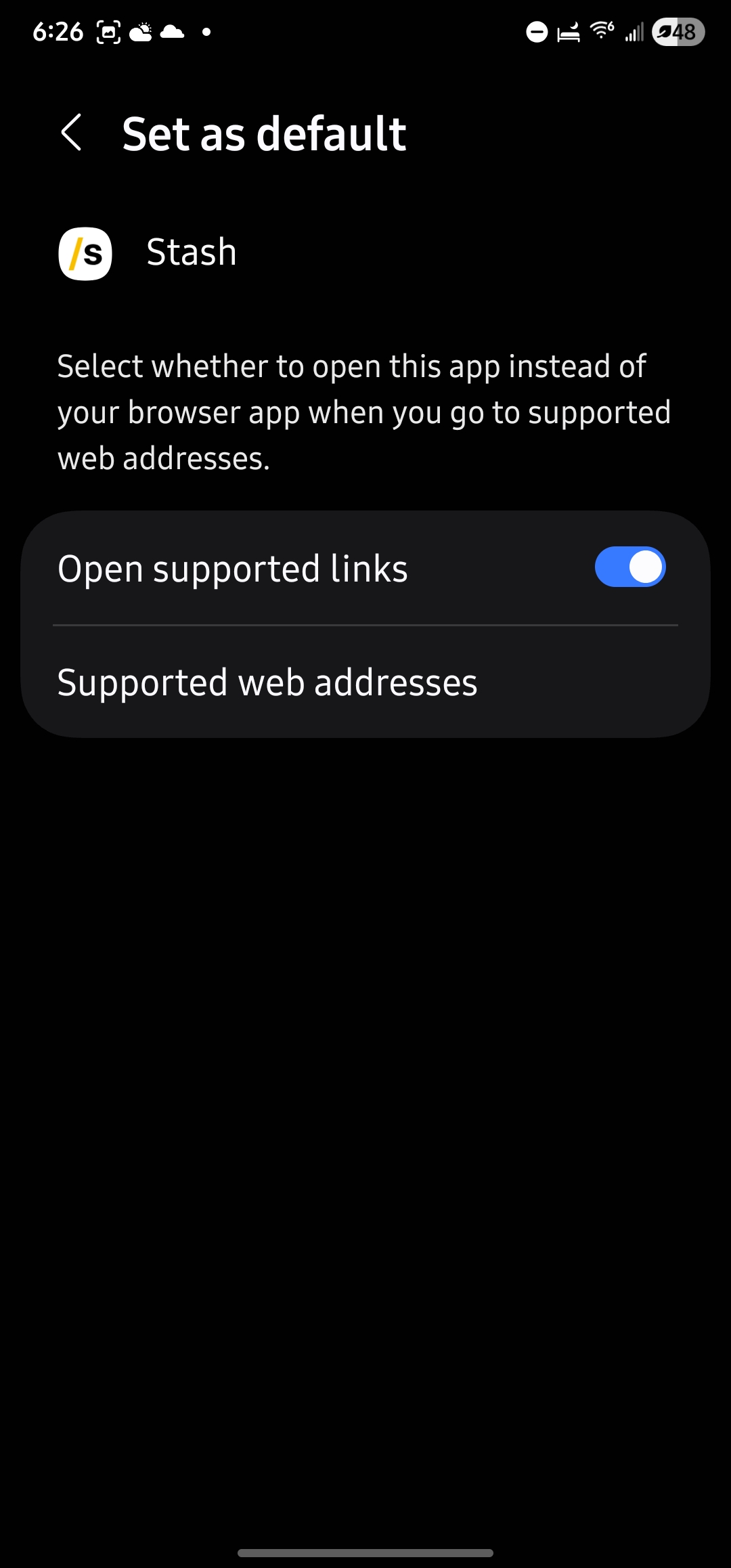
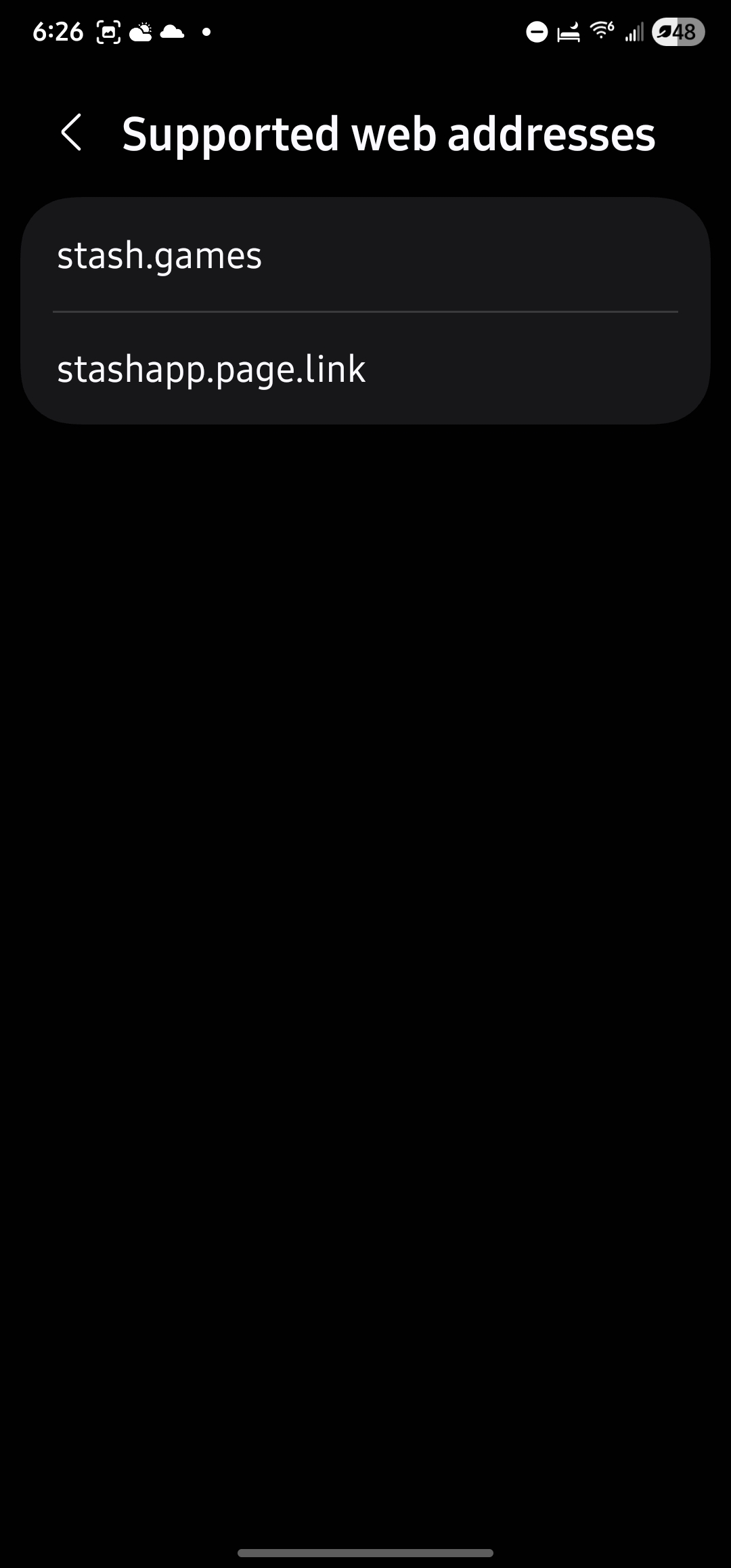
After that, you can try to log in again.
If the first step did not help solve this problem, then try copying the link from the browser to some other location and opening this link by clicking on it.
If after all these steps you still cannot log in, then write an email (info@stash.games) with a detailed description and we will try to help with a solution.